See the complete price
Review accommodation, cleaning and the Verinido guest fee of €30 plus 10%, including applicable VAT, before you continue.

Verinido FOR GUESTS
When a host shares a Verinido link through social media or direct contact, the home, dates, total price, rules, agreement, payment and separate checks come together in one clear flow.
View a complete example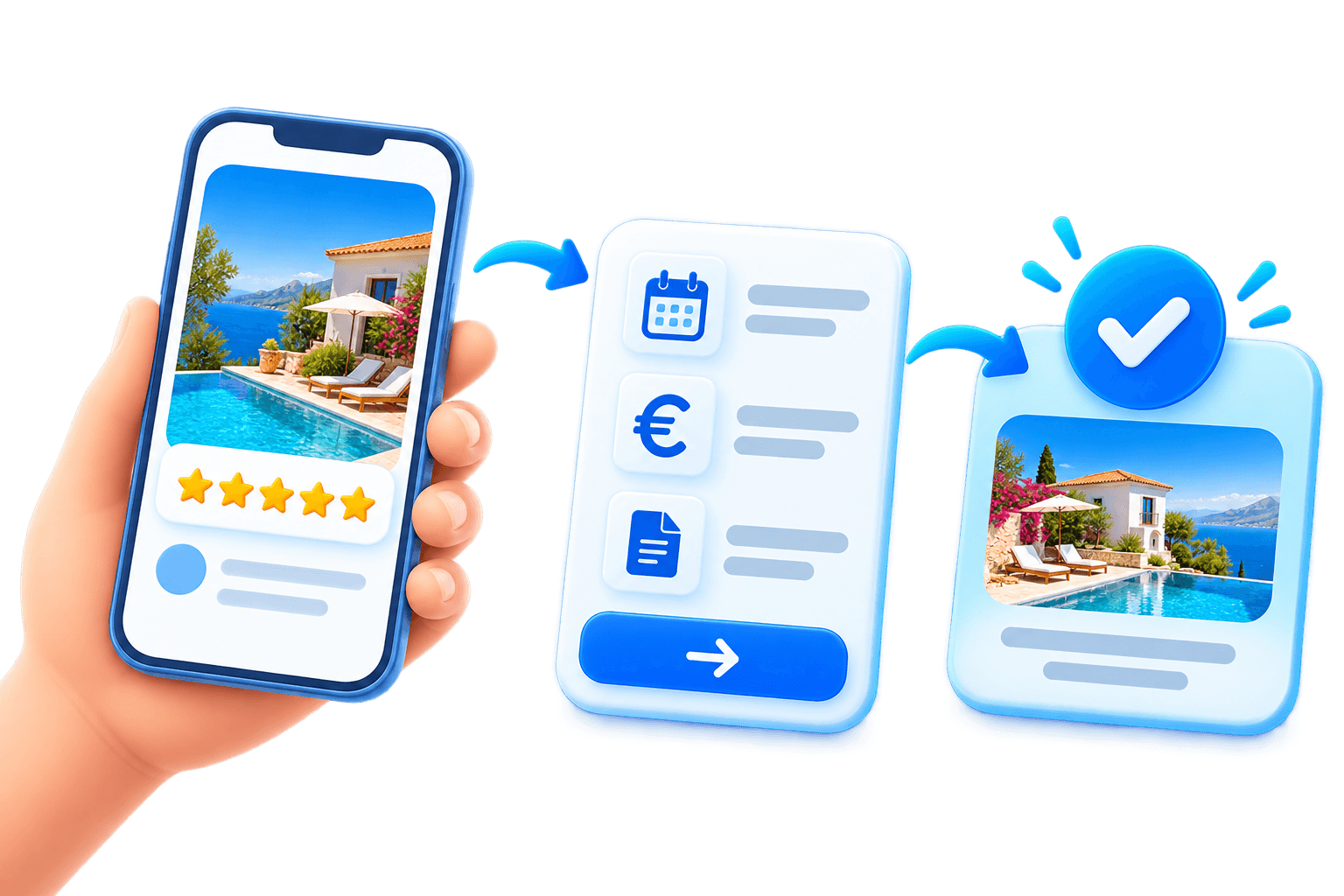
GUEST BENEFITS
Review accommodation, cleaning and the Verinido guest fee of €30 plus 10%, including applicable VAT, before you continue.
Sending the first booking request does not charge you. The host reviews your dates first.
Dates, guest details, house rules, price and the current agreement stay together instead of being scattered across messages.
See whether the booking is waiting for identity, the host’s offer, your agreement or payment.
Identity, the home, verified stays and verified reviews are shown separately, so each signal means exactly what it says.
After confirmed payment, contact details and the host’s practical home guide become available in your selected language.
VERIFIED TRUST SIGNALS
The identified host, verified home and payment recipient stay linked to the booking. Paid, completed stays build the home’s verified history, together with ratings and reviews from verified guests.
See the exact badge rules→FROM LINK TO CONFIRMED BOOKING
Open the private link from the host.
Review the home, dates, total price and rules.
Send a request—nothing is charged yet.
Complete identity, agreement and secure payment when requested.
Receive confirmed booking details and practical stay information.
Open the example first and see the information, price and booking steps a guest can review.